Ergonomic Workspace Setup for Prolonged Focus
Examine the mechanical elements of your desk environment to eliminate repetitive strain, correct poor posture, and enhance cognitive endurance.
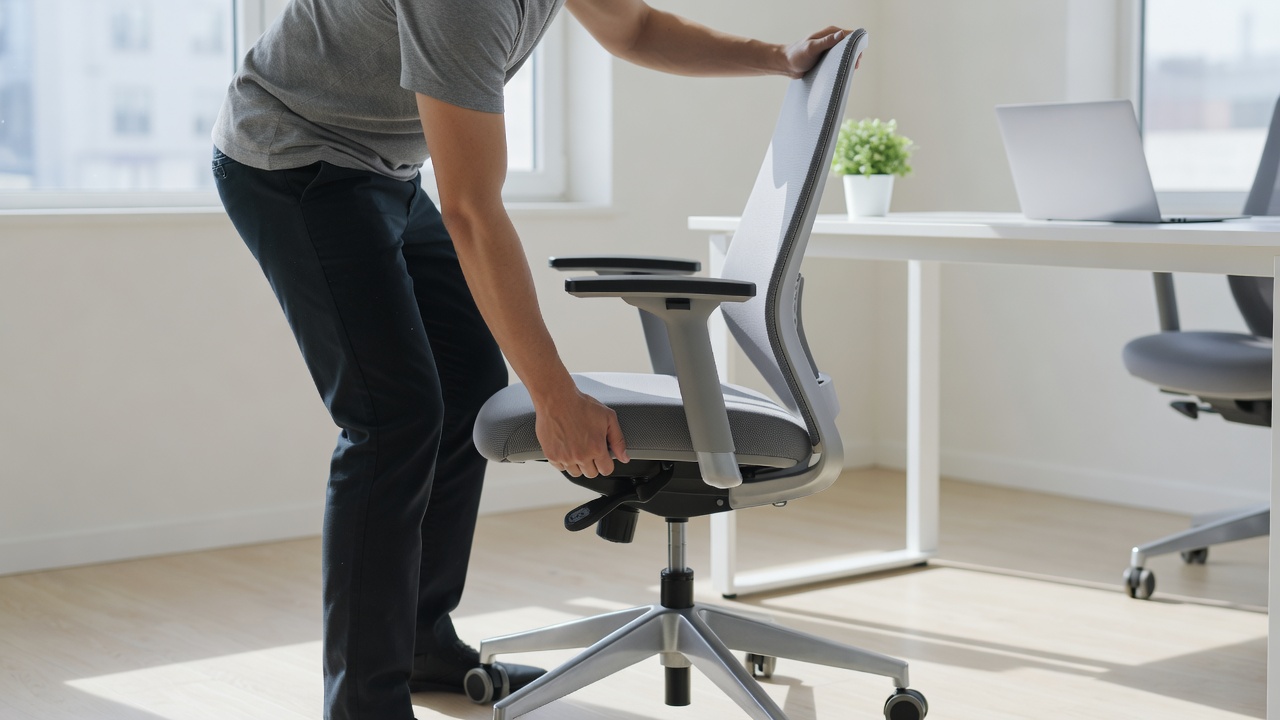
It is impossible to separate physical discomfort from cognitive decline. When the body is forced into unnatural positions for eight hours a day, energy that should be allocated to problem-solving is instead diverted to managing musculoskeletal strain. Creating an ergonomic workspace is not a luxury; it is a foundational requirement for sustained productivity and long-term physical health in the modern office environment.
The Foundation: Chair Mechanics
The chair is the anchor of the ergonomic setup. A standard dining chair or a cheap office stool will force the spine out of its natural S-curve, leading to lower back pain and forward head posture. A genuinely ergonomic chair must offer multiple points of adjustment to accommodate the unique geometry of the user's body.
Key adjustments include:
- Seat Height: Your feet should rest flat on the floor (or a footrest), with your knees bent at a 90 to 110-degree angle. Your hips should be slightly higher than your knees to open the pelvis and relieve spinal pressure.
- Lumbar Support: The backrest must feature a pronounced curve that fits snugly into the hollow of the lower back, maintaining the spine's natural lordosis.
- Armrests: These should be adjustable in height and width. They must allow the shoulders to remain relaxed, rather than shrugged, while the forearms rest parallel to the floor.
- Seat Depth: There should be roughly two to three fingers of space between the back of your knees and the edge of the seat pan to ensure proper blood circulation to the lower legs.
Monitor Height and Placement
Improper monitor placement is the primary cause of neck and shoulder strain (often referred to as "tech neck"). When a screen is too low, the weight of the head acts as a lever on the cervical spine, multiplying the strain exponentially.
To correct this, the top edge of your monitor should sit exactly at, or slightly below, eye level. The center of the screen should be located about 15 to 20 degrees below horizontal eye level. The monitor should be placed roughly an arm's length away (20 to 30 inches) from your face. If you are using dual monitors, the primary screen should be centered in front of you, with the secondary screen angled inwards on your dominant side.
If you rely solely on a laptop, it is structurally impossible to achieve ergonomic alignment without peripherals. You must elevate the laptop using a stand and connect an external keyboard and mouse.
Keyboard and Mouse Trajectory
The placement of your input devices dictates the health of your wrists and forearms. Your keyboard should sit directly in front of you. When typing, your wrists should remain straight—not bent upward or downward—and should float slightly above the desk or rest gently on a supportive pad.
The mouse should sit immediately adjacent to the keyboard. Overreaching for a mouse forces the shoulder into external rotation and abduction, which can lead to rotator cuff strain over time. Many professionals benefit from a narrower "tenkeyless" keyboard, which allows the mouse to sit closer to the body's midline.
Lighting and Ambient Factors
Ergonomics extends beyond physical geometry into the realm of sensory input. Poor lighting leads to eye strain, headaches, and a tendency to lean forward, ruining posture. Position your desk perpendicular to windows to avoid direct glare on the screen while still benefiting from natural light.
Task lighting should be indirect. Utilize a bias light (a light placed behind the monitor) to reduce the contrast between the bright screen and the dark room, which dramatically reduces ocular fatigue during long evening sessions.
The Role of Movement
Ultimately, the best posture is the next posture. Even a perfectly calibrated ergonomic setup will cause stiffness if maintained statically for hours. Incorporate movement breaks every 30 to 45 minutes. A sit-stand desk is highly recommended, not because standing is inherently superior to sitting, but because the transition between the two states engages different muscle groups and promotes vital blood flow.